

Technical quality · 9 min read
SVG to PDF Without Losing Quality: Vector vs Raster Explained
Understand native vector PDF content, rasterization, resolution, fonts, and when PDFStack’s current renderer is appropriate.
Published and technically reviewed by the PDFStack Team · October 14, 2026
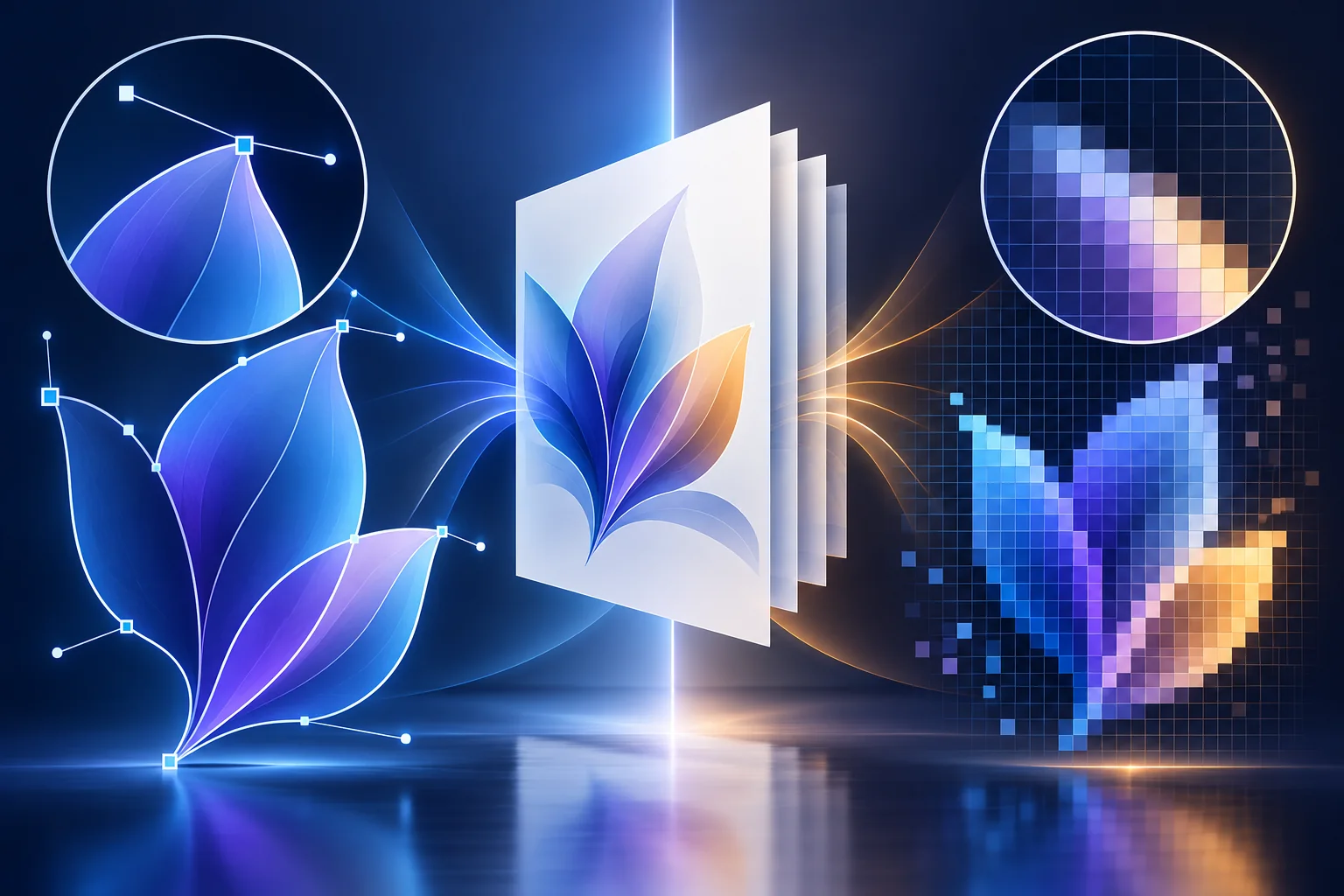
Vector paths and raster pixels are different
A vector path stores geometric instructions such as points, lines, and Bézier curves. A compatible PDF generator can translate those instructions into native PDF drawing operators, so edges remain mathematically defined at high zoom.
A raster image stores a grid of pixels. It can look excellent at its intended display or print size, but enlarging it far beyond the rendered resolution reveals pixelation. Putting a PNG inside a PDF does not turn its pixels back into vectors.
What PDFStack currently produces
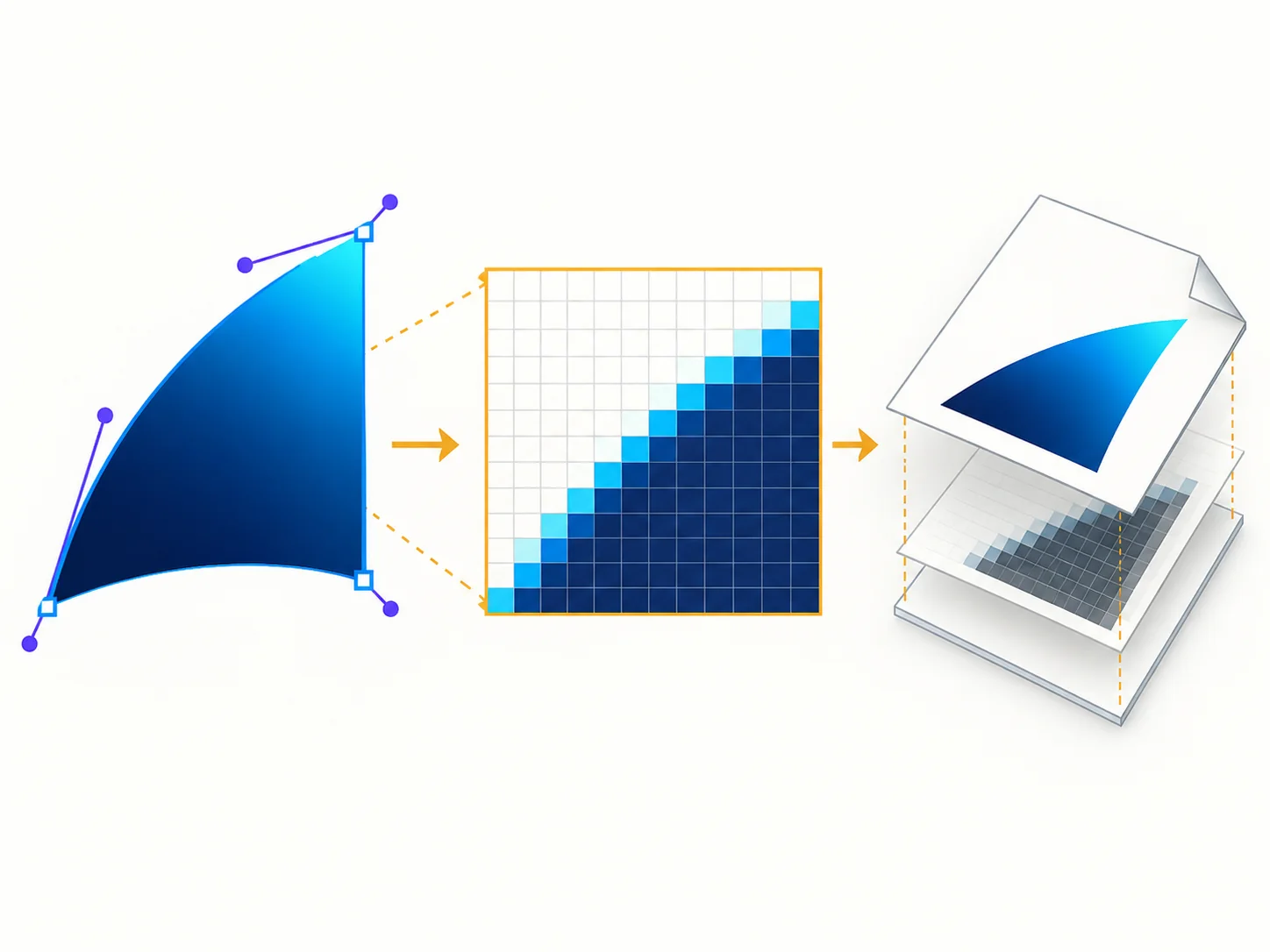
PDFStack sanitizes the SVG, lets the browser render it into a canvas, encodes that canvas as PNG, and embeds the PNG on the PDF page using pdf-lib. The result is therefore a PDF containing raster image content.
The converter caps a rendering canvas at 4096 pixels per edge and 16 megapixels to reduce runaway memory use. It does not advertise native vector preservation, even when the source file itself contains only paths.
- ✓Source SVG paths are not editable PDF paths.
- ✓The PDF page remains a normal A4 or Letter page.
- ✓The embedded image can retain transparency information, while the page appears white.
- ✓Output sharpness depends on canvas pixels relative to final size.
Resolution, scaling, and zoom quality
A 1000-pixel-wide rendering placed at roughly 500 PDF points spans about 6.9 inches. That corresponds to roughly 145 pixels per inch before viewer scaling. More source pixels improve raster detail up to the converter’s safety cap, but they also increase memory and file size.
The tool fits graphics within margins without stretching or cropping. It does not upscale the rendering beyond the source’s browser-resolved dimensions, so tiny explicit SVG dimensions can produce a small or soft embedded image.
Fonts, gradients, and image artifacts
SVG text is drawn with fonts available to the browser. When a referenced font is unavailable or blocked as an external resource, the browser can substitute another font and change glyph shape or spacing. Converting critical lettering to outlines before upload can improve predictability, but it reduces editability and may affect accessibility.
Common browser-rendered gradients, clipping, and transparency often work, but SVG has a broad feature set. Filters, masks, color-management behavior, and nested resources can vary. Inspect the produced page rather than treating successful download as proof of visual equivalence.
When native vector output is mandatory
Use a vector-aware publishing workflow when the recipient requires editable paths, extreme zoom, prepress separations, or strict technical-drawing fidelity. Candidate browser technology such as svg2pdf.js can translate a supported SVG subset through jsPDF, but its own documentation says arbitrary user-provided SVG is not supported and sanitization remains required.
PDFStack keeps vector preservation disabled until a broader fixture matrix proves paths, text, gradients, clipping, embedded images, fonts, and security behavior across supported browsers. The raster workflow remains the production path.
Frequently asked questions
Does the current PDF contain vector paths?
No. It contains PNG image content rendered from the sanitized SVG.
Can raster output still look sharp?
Yes at an appropriate source resolution and final page size, but it is not resolution-independent.