Quality and security · 10 min read
Rasterize PDF Quality, File Size and Security Guide
Understand render scale, JPEG output, page geometry, memory use, searchability, signatures, and the security limits of rasterization.
Published and technically reviewed by the PDFStack Team ·
Render scale controls the pixel grid
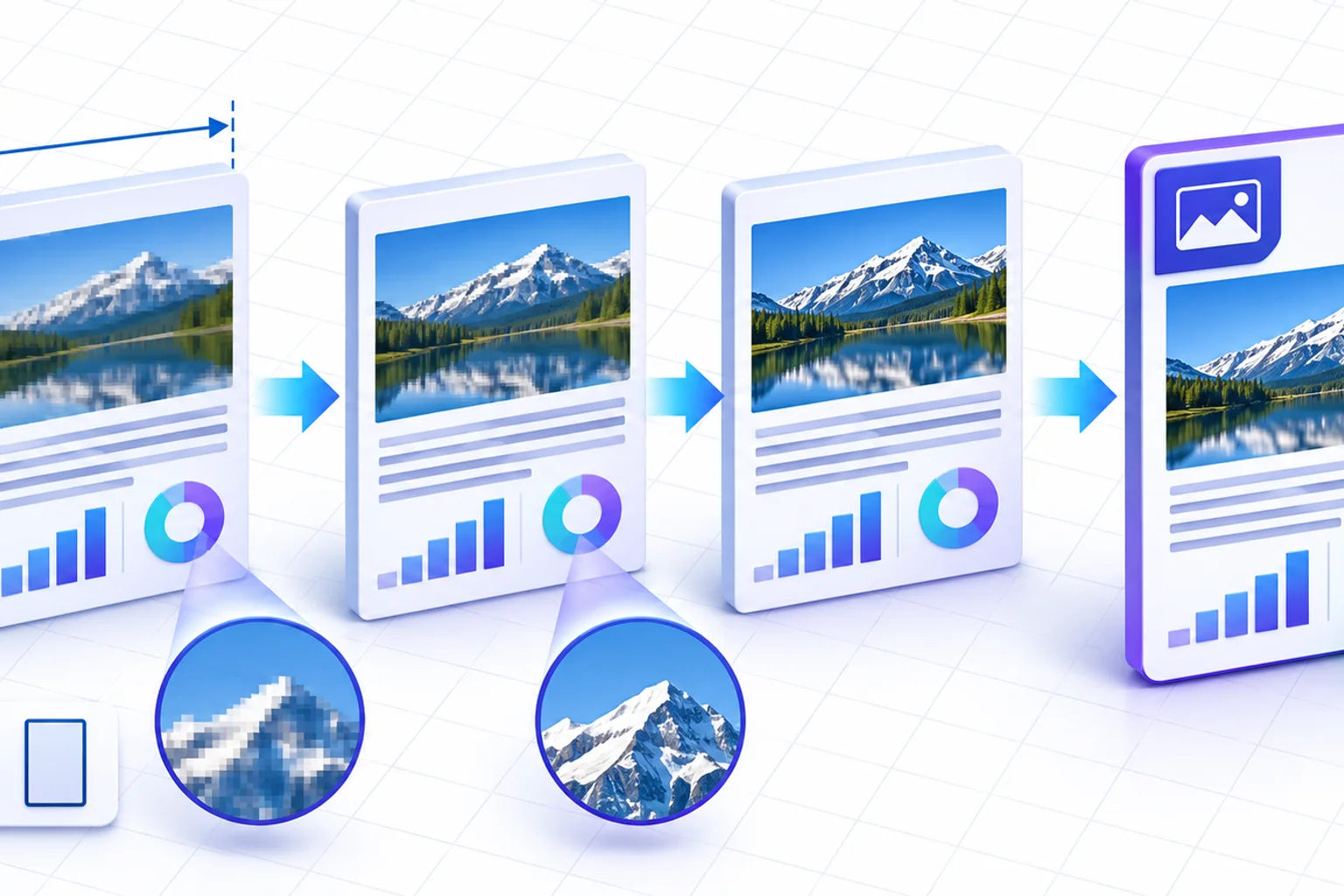
PDF.js defines a page viewport at a base scale and lets the caller multiply that viewport. PDFStack Standard uses 1.5× and High uses 2×. For an unrotated page that is 612 by 792 PDF points, those modes create canvases of approximately 918 by 1188 and 1224 by 1584 pixels before integer rounding.
Those figures describe the working pixel grid, not a promise about printer metadata or visual perfection. The final image is drawn back onto a PDF page with the original 612 by 792 point geometry.
JPEG encoding creates a quality tradeoff
After rendering, PDFStack asks the browser to encode the canvas as JPEG with a quality value of 0.9. JPEG is lossy: it can represent photographs efficiently but may introduce subtle artifacts around fine text, sharp lines, or flat-color boundaries.
A higher render scale supplies more pixels, but it does not make JPEG lossless and it cannot restore source vectors after they have been rendered. Inspect critical diagrams and small lettering at the zoom level or print size that recipients will use.
- ✓Standard is the 1.5× default.
- ✓High is 2× and uses more memory.
- ✓Each page is encoded as JPEG at 0.9 quality.
- ✓The page is rendered against white, not transparency.
File size can increase or decrease
A source PDF containing compact text and vector instructions can become much larger when every page is stored as a JPEG. A source dominated by large images may behave differently. Page count, page dimensions, render scale, visual complexity, and browser JPEG encoding all affect the output.
Treat output size as a measured result, not a promised reduction. The result screen reports generated bytes so you can compare the new file with the source before deciding whether to keep it.
Memory and processing limits are device-specific
Rendering creates a canvas for one page at a time. A 1224 by 1584 RGBA canvas alone represents roughly 7.4 MiB of pixel memory before accounting for the decoded PDF, browser overhead, JPEG bytes, and the output document. Larger pages can need substantially more.
Close unnecessary tabs before processing a large document. Standard mode is a sensible first attempt on mobile or memory-constrained devices. The tool does not advertise an arbitrary page-count guarantee because real limits depend on page geometry, content, browser, and hardware.
Rasterization has explicit security limits
The browser-local workflow reduces the need to send the selected file to PDFStack, but local processing does not make the output confidential. The rebuilt PDF is unencrypted unless you later use a protection tool, and anyone with the file can view its page images.
Rasterization also invalidates the relationship to an original digital signature and removes accessibility and document structure. It is not a verified redaction method. Preserve originals, use dedicated tools for redaction and encryption, and verify the final document before distribution.
Frequently asked questions
Is High always better than Standard?
No. High adds pixels but uses more memory and may create a larger file. Standard is often adequate for ordinary screen documents.
Does browser-local processing encrypt the result?
No. Local processing describes where the conversion runs; it does not add a password or encryption to the output.