
Image format guide · 9 min read
PDF to JPG, PNG, WebP or BMP: Which Image Format Should You Choose?
Compare PDF page image formats for photographs, text, web delivery, compatibility, file size and repeatable quality.
Published and technically reviewed by the PDFStack Team ·
There is no single best PDF image format
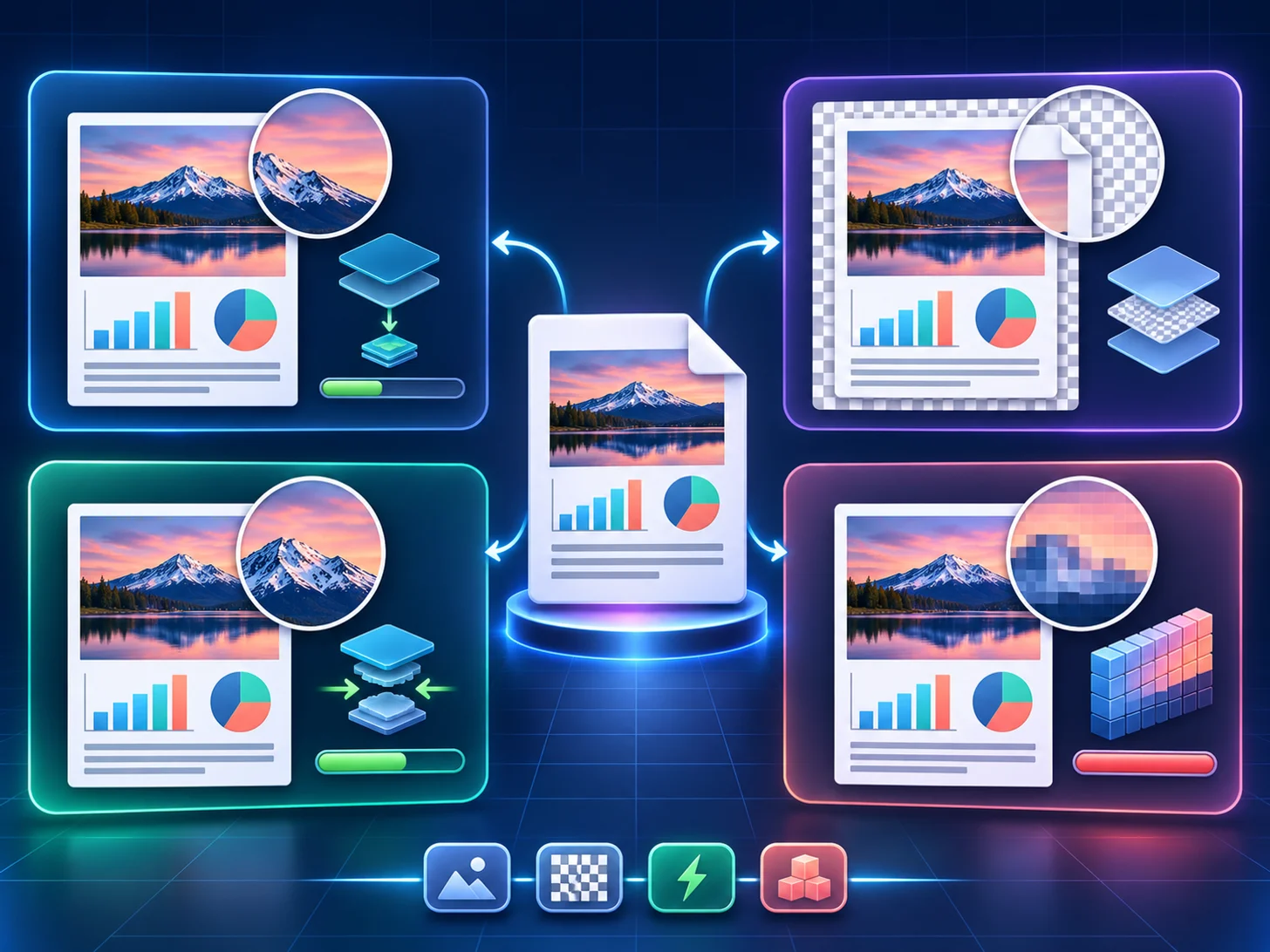
The best format depends on the page content and destination. Photographs tolerate different compression than a page of small typography. A web thumbnail has different constraints from an archival intermediate or a desktop workflow that specifically requires BMP.
All four options are raster formats. First select enough render resolution to capture the page detail, then choose the encoding that balances fidelity, size and compatibility.
JPG and JPEG for compact photographic pages
JPG and JPEG use the same image format. PDFStack provides both labels so the downloaded extension matches the workflow you expect. Lossy JPEG compression is effective for photographs and continuous-tone artwork, but it can introduce halos or block artifacts around sharp text, charts and thin rules.
Use the Sharp preset or a high manual quality for important detail, then inspect the actual output. A 100 quality request uses the browser encoder’s highest setting but is still a re-encoded JPEG, not a lossless copy of the PDF page.
PNG for sharp text, diagrams and lossless rendered pixels
PNG uses lossless compression, so it does not discard additional pixel information after the page has been rendered. This makes it a strong choice for screenshots, typography, interface mockups, charts and line art. It can be much larger than JPG for photograph-heavy pages.
The rendered canvas uses a white page background in this converter, so PNG output should not be described as recovering transparency from the original PDF page. It preserves the completed rendered pixels, not PDF layers, fonts or vectors.
- ✓Choose PNG when clean edges matter more than the smallest file.
- ✓Choose JPG for compact photographic pages after visual inspection.
- ✓Choose WebP for modern web delivery when the target accepts it.
- ✓Choose BMP only when a downstream system specifically requires it.
WebP for efficient modern web delivery
WebP is useful for browser-based publishing because it can produce smaller files at comparable visual quality. PDFStack uses the browser’s lossy WebP encoder and exposes a quality control. If the browser cannot export WebP, the current implementation falls back to JPEG data, so verify the format in older or unusual environments before depending on a WebP-only pipeline.
For a website, test the image in its real rendered dimensions and measure the delivered file. Avoid exporting far more pixels than the layout displays; responsive image delivery is a separate optimization step from PDF conversion.
BMP for compatibility, not web efficiency
PDFStack writes an uncompressed bitmap from the rendered canvas. BMP can be useful for legacy desktop software, testing or workflows that explicitly ask for a bitmap file, but the files are substantially larger and are generally a poor website delivery choice.
When archiving matters, retain the PDF source. A BMP contains raster page pixels and cannot substitute for the PDF’s searchable text, structure, metadata or vector elements.
Frequently asked questions
Are JPG and JPEG different quality?
No. They are the same encoding here; only the selected label and filename extension differ.
Which format is best for text-heavy PDF pages?
PNG usually protects sharp rendered edges better than lossy JPG. Use enough render scale and inspect the final output.