

Page layout · 9 min read
Print CSS and Page Layout for Better HTML-to-PDF Results
Plan paper size, orientation, margins, typography, page breaks, tables, and headers before exporting HTML to PDF.
Published and technically reviewed by the PDFStack Team · October 14, 2026
Choose the page contract first
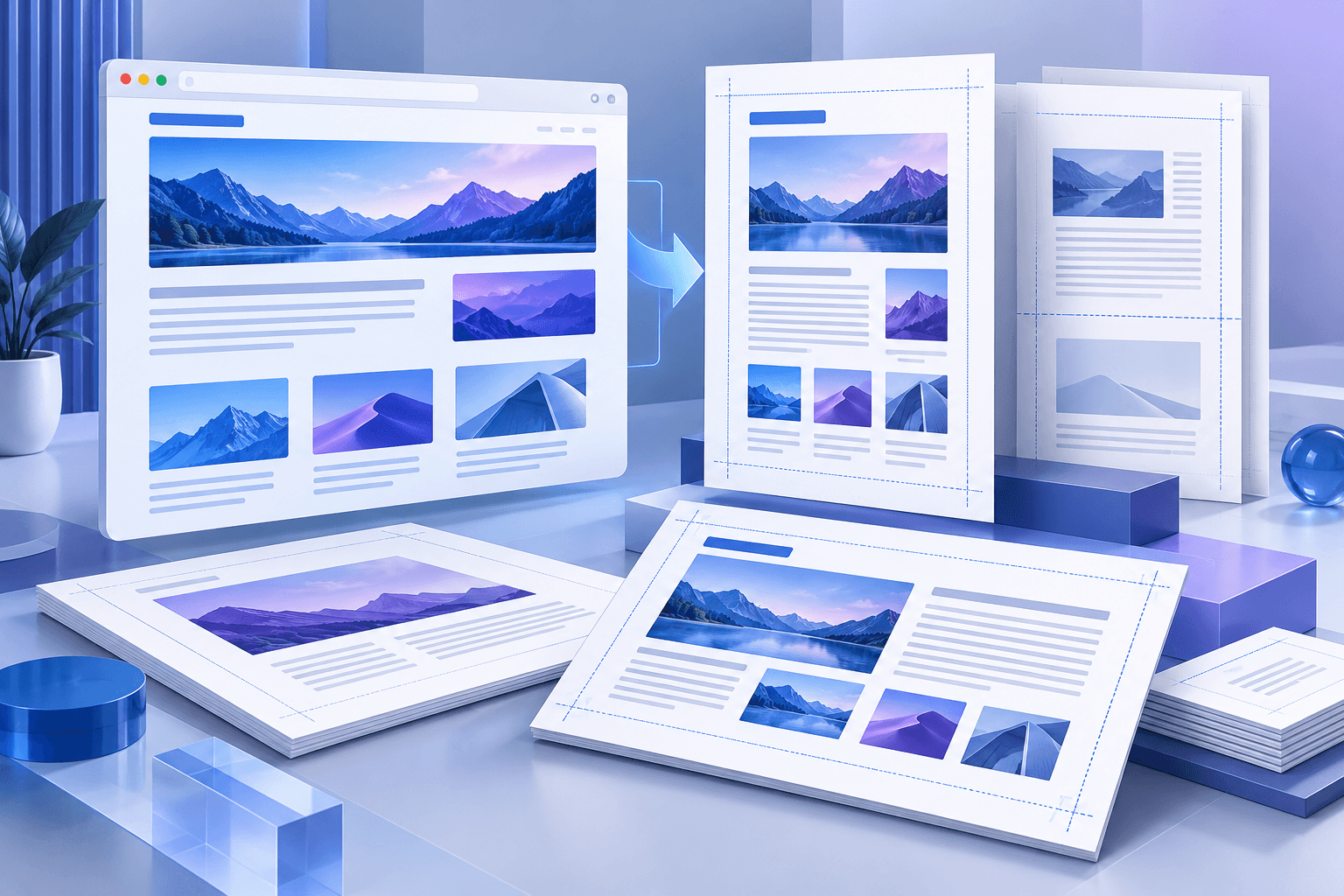
A4 and US Letter are similar but not interchangeable. Legal and A3 pages serve different document types, while landscape orientation is often better for wide tables and diagrams. Select the destination format before tuning typography.
Margins protect content from printer limitations and create space for headers, footers, binding, and notes. Very narrow margins may look efficient on screen but fail in physical workflows.
Control typography as a system
Body size, line height, heading scale, and paragraph spacing determine both readability and page count. A slightly larger line height can improve dense documentation, while an oversized heading scale may cause frequent orphaned headings.
Use a short fallback stack and verify special characters. If exact typography is a legal or brand requirement, use a renderer that embeds the approved fonts and confirm that licensing permits distribution.
- ✓Use a readable body size.
- ✓Keep headings with the content that follows.
- ✓Avoid splitting short table rows unnecessarily.
- ✓Test portrait and landscape for wide material.
Design predictable breaks
Long tables, code samples, and images need deliberate break behavior. A conversion engine may split content when the remaining page height is insufficient, but highly nested CSS can still create surprising results.
Headers and footers should be concise. Repeated text consumes page area, and long labels can collide with page numbers. Preview the final page because it often exposes overflow that earlier pages hide.
Use print CSS when a browser renderer is required
For pixel-sensitive web layouts, a managed browser can apply @media print and @page rules. That approach should still restrict network access and resource size, and it should report when fonts or images fail to load.
A deterministic text-first exporter is a safer fit for simple documents. A full browser renderer is appropriate when the source depends on mature print CSS and the security boundary is properly engineered.
Frequently asked questions
Should I use A4 or Letter?
Use the format expected by the recipient or printer. A4 is common internationally; Letter is common in the United States and Canada.
When should I choose landscape?
Landscape is useful for wide tables, timelines, diagrams, and content that becomes unreadable when compressed into portrait width.