Format decision · 8 min read
WebP vs PNG: Which Image Format Should You Use?
Compare WebP and PNG for websites, editing, transparency, animation and compatibility, then choose the format that matches the next workflow.
Published by the PDFStack Team ·
Start with the destination
Neither format is universally better. The right choice depends on where the image will be delivered, whether it needs editing, whether animation matters and whether the receiving software supports WebP.
WebP is commonly chosen for efficient web delivery and can support lossy or lossless encoding, transparency and animation. PNG is a lossless still-image format widely used for screenshots, interface graphics, diagrams and editing workflows that need alpha transparency.
Choose WebP for web delivery
WebP can reduce transfer size compared with a PNG containing the same photographic or complex visual content, although the exact result depends on image characteristics and encoding settings. Smaller resources can improve delivery efficiency when the format is supported.
Do not convert WebP to PNG merely because PNG is familiar if the file will return directly to a modern website. A larger PNG can increase download weight without improving the visible source detail.
Choose PNG for editing and compatibility
PNG is appropriate when a downstream editor, document workflow or asset system expects PNG. It is also a practical choice for crisp UI graphics, screenshots and transparent still images when lossless pixel storage matters more than the smallest possible file.
A PNG derivative can be easier to exchange with older or constrained systems, but compatibility should be tested rather than assumed for every application and workflow.
Compare the capabilities that matter
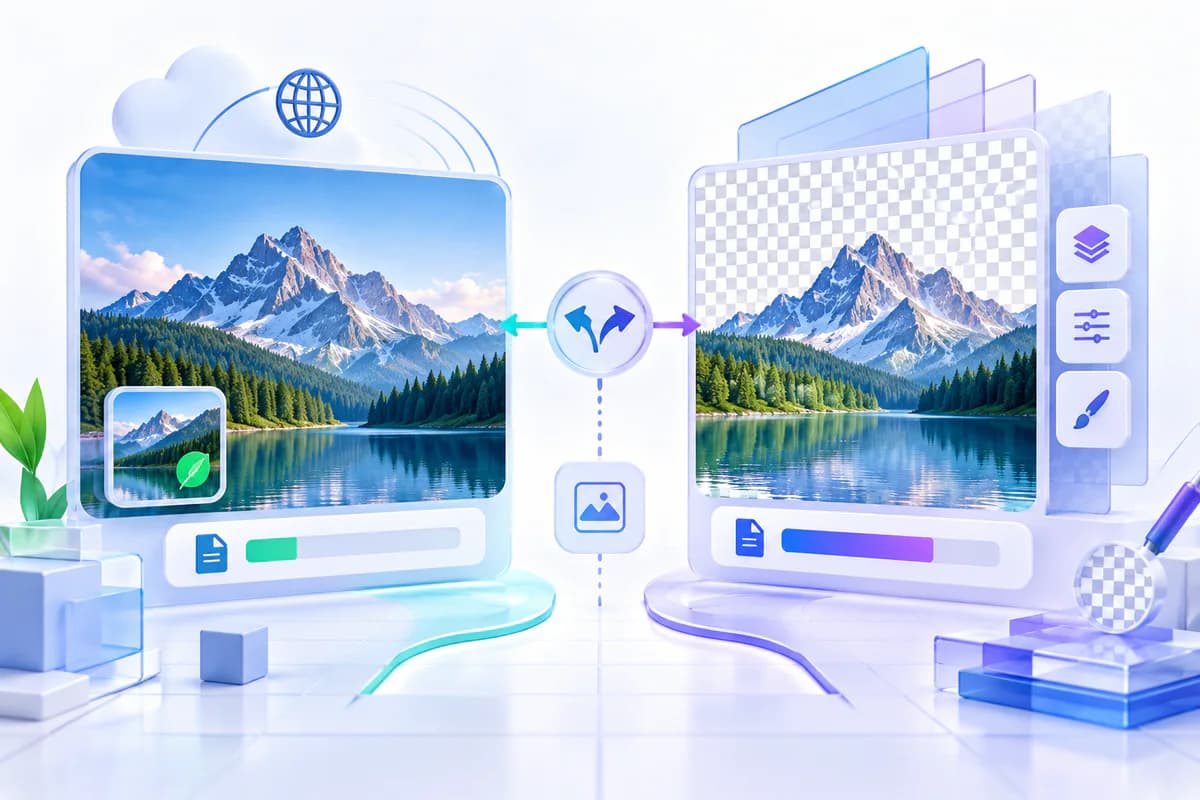
Both formats can carry transparency, so alpha support alone does not force a conversion. Animation is different: WebP can contain multiple frames, while this PNG conversion produces one static image. File size is also content-dependent; photographic PNG files are often much larger than WebP versions.
Conversion does not improve resolution. Scaling can change output dimensions, but a larger canvas created by interpolation is not equivalent to capturing a higher-resolution source.
- Web delivery: prefer the efficient supported source.
- Editing: choose the format accepted by the editor.
- Transparency: test alpha edges in the destination.
- Animation: keep an animation-capable format when motion is required.
Maintain a sensible asset workflow
Keep an authoritative source, produce purpose-specific derivatives and name outputs clearly. Avoid repeated back-and-forth conversion because each lossy stage can discard information even if the final PNG encoding itself is lossless.
Record intended dimensions and background behavior for shared assets. A short verification step prevents oversized downloads, lost animation and accidental transparency flattening.
WebP and PNG questions
Is PNG always higher quality than WebP?
No. PNG is lossless, but it cannot restore information missing from a lossy WebP source. A lossless WebP may also preserve the source pixels.
Which format is usually smaller?
WebP is often smaller for web delivery, especially for photographs, but actual size depends on content and encoder settings.
Should I replace all WebP images with PNG?
No. Convert only when the next application or workflow benefits from PNG.