

Transfer preparation · 8 min read
How to Prepare Files and Folders for a Controlled Transfer
Review names, folder structure, sensitive content, access requirements and recipient expectations before creating a file-transfer link.
Published and reviewed by the PDFStack Team ·
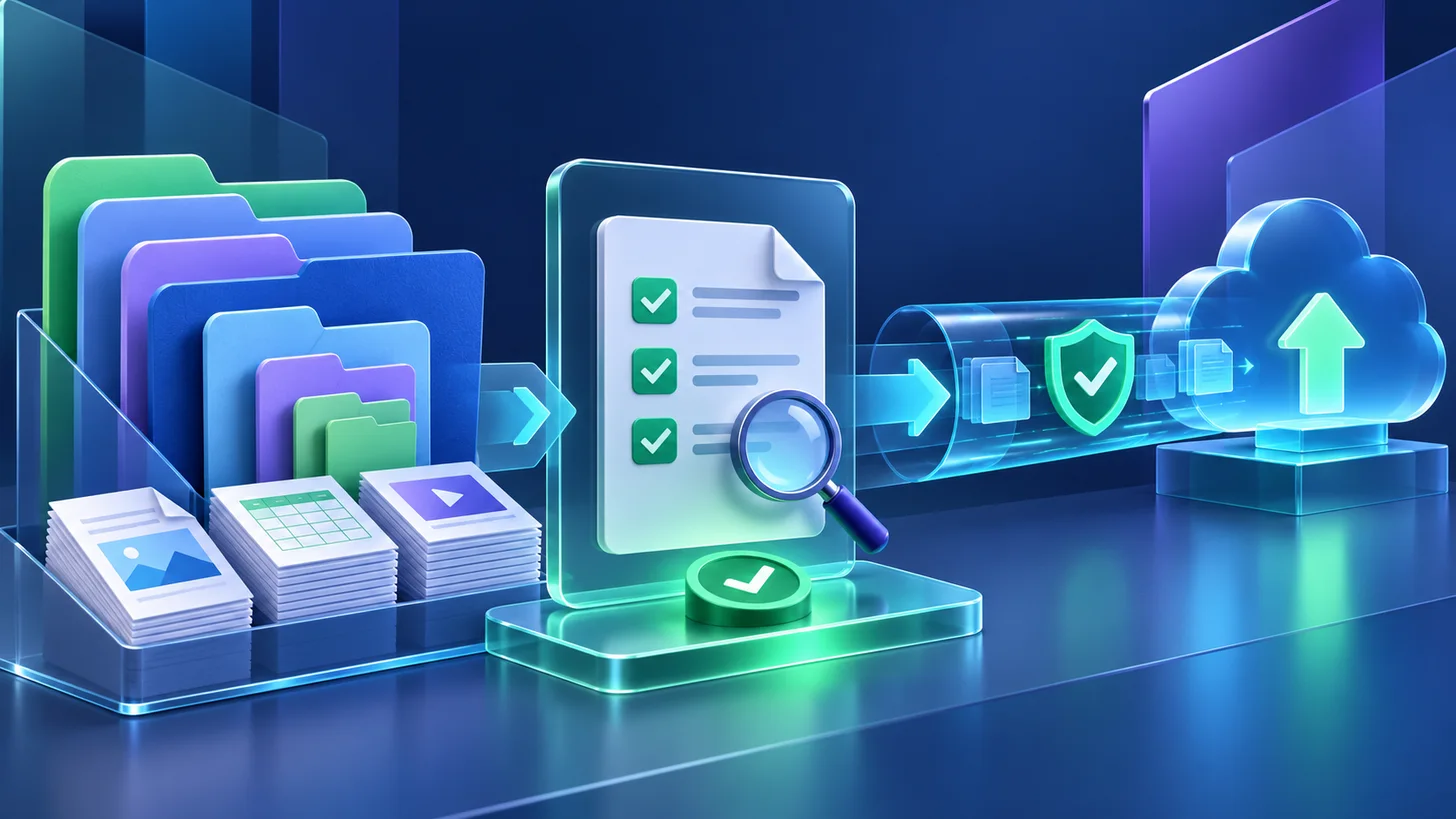
Preparation starts before upload
A transfer service can move files, but it cannot decide whether the package is complete, correctly named, or appropriate for the recipient. Start by identifying the intended recipient, the exact deliverables, the deadline, and whether the material contains confidential or personal information.
Open representative files before sending them. Remove obsolete drafts, temporary exports, hidden credentials, and unrelated material. If the recipient needs a complete project hierarchy, organize it before selection so the folder structure communicates the intended order.
Build a package the recipient can understand
Use descriptive filenames that remain meaningful after download. Avoid ambiguous names such as final-new-2 or scan001 when a project, date, document type, or version can be stated safely. Do not put secrets, account numbers, or unnecessary personal data in filenames because names may be visible before a file is opened.
For a folder transfer, check that nested paths do not include duplicate drafts or system-generated files. A short sender message can explain what is included, which item should be opened first, and who to contact if access fails.
- Confirm every expected file is present.
- Remove duplicates and unintended drafts.
- Use clear filenames without sensitive details.
- Preserve a useful folder hierarchy.
- Keep a local source copy until delivery is confirmed.
Choose controls from the actual risk
A short-lived routine delivery may need a different configuration from financial records, identity documents, or unreleased creative work. Choose an expiry that gives the recipient enough time without leaving access open longer than necessary. Add a password when possession of the link alone should not be sufficient.
When using a password, send it through a different communication channel and do not place it in the transfer message. A download allowance can reduce repeated access, but it does not prevent a recipient from copying a file after a permitted download.
Verify the handoff
After creating the transfer in Nexynto Transfer, copy the generated link carefully and confirm its expiry and access settings. If the delivery is important, test the recipient experience in a separate browser session without exposing the password in browser history or shared notes.
Tell the recipient when the link expires and whether a password is required. Revoke access when the delivery is no longer needed. Transfer controls reduce exposure; they do not replace document classification, endpoint security, recipient verification, or an appropriate retention policy.
Frequently asked questions
Should I compress a folder before transferring it?
Not always. Nexynto Transfer supports folders and preserves nested paths. Compress only when a receiving workflow requires one archive or when you have reviewed the archive contents separately.
Should a transfer password be sent with the link?
Use a separate communication channel when the password is intended as an independent access barrier.