

Delivery comparison · 8 min read
Email Attachments vs Controlled File Transfer Links
Compare attachment limits, folder delivery, expiry, passwords, revocation and recipient access before choosing a delivery method.
Published and reviewed by the PDFStack Team ·
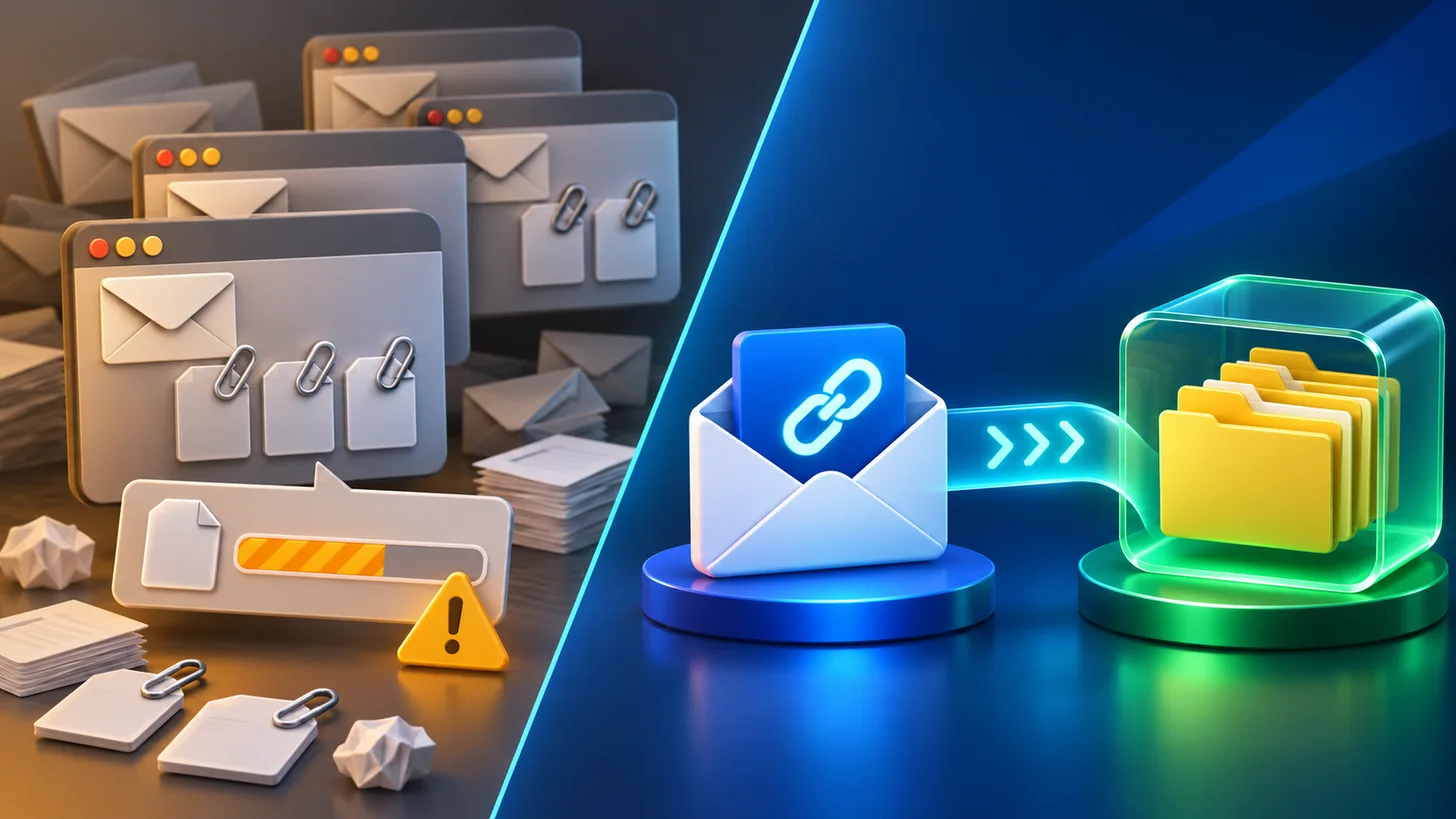
Email and transfer links solve different delivery problems
Email attachments work well for small, routine files when the recipient, message, and document belong together. They become awkward when provider limits, mailbox quotas, multiple versions, or a large folder hierarchy enter the workflow.
A controlled transfer link separates the delivery package from the email message. The sender can prepare one file or folder collection and share access through a link, while the transfer service applies its configured expiry and access rules.
Where a transfer link is more useful
A transfer service is useful when a package is too large for email, contains nested folders, needs an explicit expiry, or should be revoked after delivery. Nexynto Transfer also presents optional password protection, download allowances, supported previews, and recipient access without an account.
Those features do not make every transfer appropriate for every document. An organization may require an approved repository, data-processing agreement, regional storage arrangement, or authenticated collaboration platform for regulated or highly sensitive information.
- Large files or complete project folders.
- One link instead of several attachment messages.
- Defined expiry and optional password access.
- Download allowance and sender revocation.
- Recipient download without creating an account.
Where email may remain simpler
For a small, low-risk document that must remain directly associated with a conversation, an attachment can be the clearest option. Email systems can also provide organizational archiving and retention controls that a temporary transfer does not replace.
Before choosing, compare the receiving organization’s restrictions. Some mail gateways rewrite or block external links, while others reject large attachments. Ask the recipient which delivery method is accepted when the workflow is important.
Use the link as part of a complete handoff
A good delivery message identifies the sender, explains the package, states the expiry, and provides a separate route for password delivery when one is used. Avoid vague messages that pressure recipients to open an unexpected link.
Confirm delivery through an appropriate channel, then revoke the transfer when it is no longer needed. Keep authoritative source files and a record of what was sent according to the organization’s own retention requirements.
Frequently asked questions
Are transfer links always safer than email attachments?
No. Risk depends on configuration, recipient verification, endpoint security, data sensitivity and organizational requirements. Transfer controls can be useful, but they are not an absolute guarantee.
Do recipients need a Nexynto account?
Nexynto Transfer states that recipients do not need an account. A password may still be required when the sender enables one.