

Quality and privacy · 9 min read
PDF Merge Quality, Privacy, Bookmarks and Document Structure
Understand what page-copy merging preserves, what needs checking, and how browser-local processing works.
Published and reviewed by the PDFStack Team · Updated October 14, 2026
Does merging reduce PDF quality?
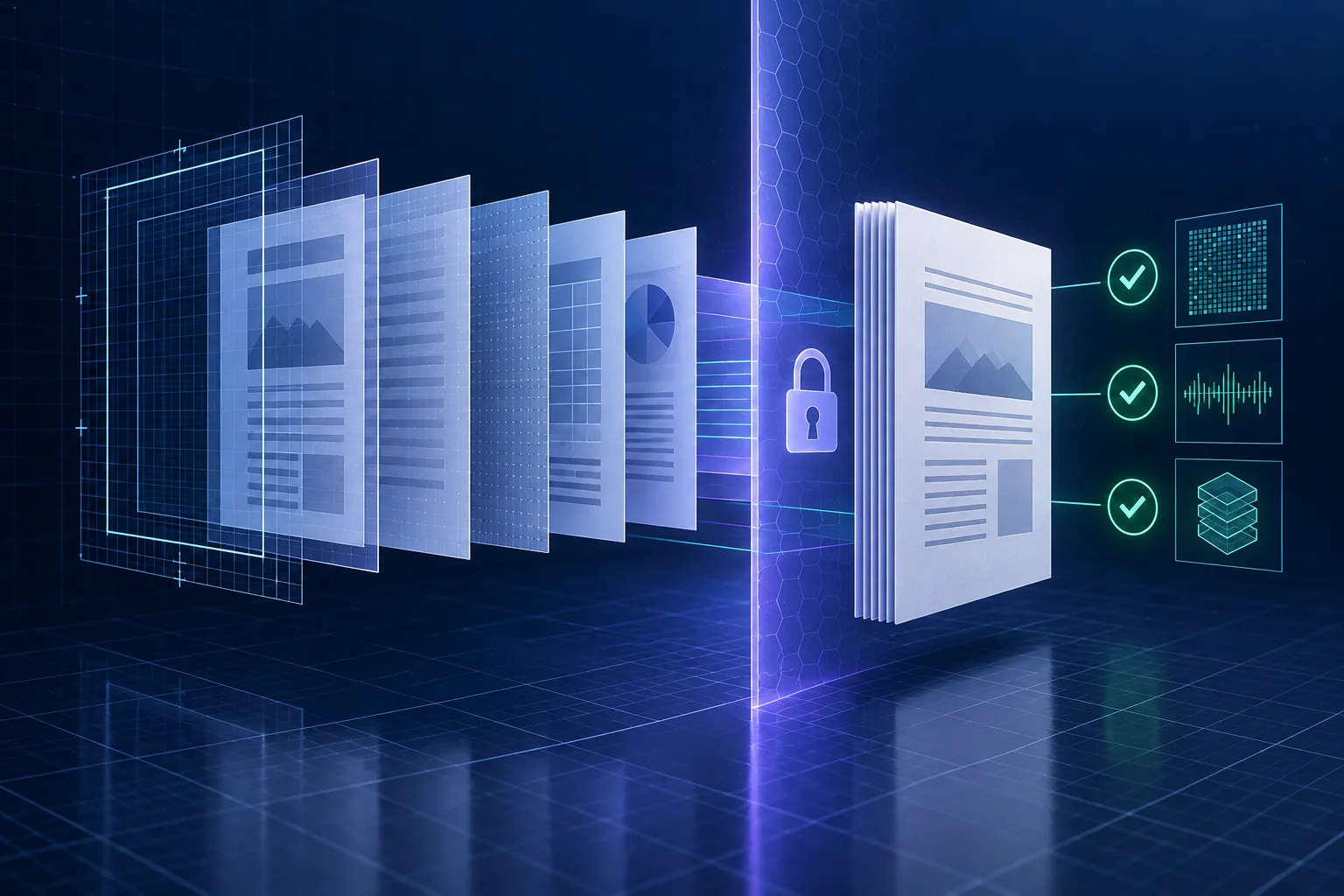
PDFStack copies source pages into a new PDF rather than intentionally rasterizing or downsampling each page. That generally retains the visible page content, fonts, vectors, and embedded images available to the page-copy operation.
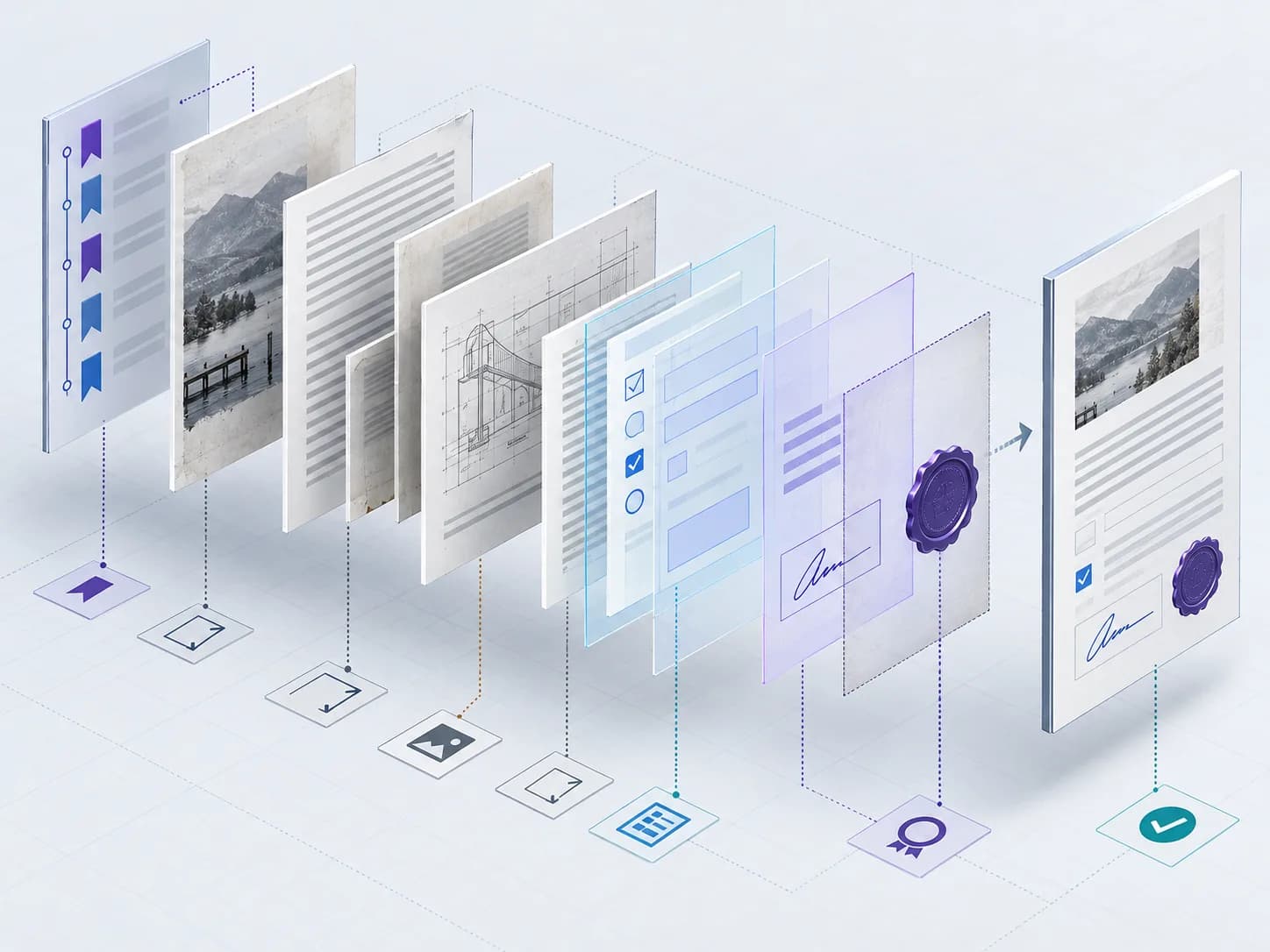
Quality is broader than appearance. Bookmarks, form behavior, accessibility tags, attachments, layers, encryption, and signatures are document-level features. Their preservation is not guaranteed, so structure-sensitive documents require explicit testing.
How browser-local processing protects privacy
The Merge PDF operation reads and writes selected files in the browser. The files are not uploaded to PDFStack servers by this workflow. PDF.js and pdf-lib runtime resources are loaded from their configured content-delivery networks.
Local processing reduces server-side file exposure, but users still control the device, browser, downloads folder, extensions, backups, and network environment. Sensitive-document handling should follow the organization’s approved device and retention rules.
- ✓Use a trusted, updated browser.
- ✓Close unrelated tabs when memory is limited.
- ✓Protect or remove the downloaded file when finished.
- ✓Do not merge documents you are not authorized to handle.
Bookmarks, forms, scans, and OCR
A page can look correct while its navigation or interactive behavior has changed. Inspect bookmarks and form fields in the final viewer. Merging scanned PDFs combines their page images but does not recognize text; use OCR PDF if recipients need searchable content.
Mixed page sizes and rotations can remain in the result. Test print settings when consistent physical output is important, and use dedicated page tools when normalization is required.
A practical verification routine
Record the number of source files and expected pages. Preview the combined output, check every boundary between source files, test search when text should be searchable, and reopen the downloaded file in the viewer your recipients use.
For regulated, signed, accessible, or form-driven documents, keep the original files and obtain the appropriate specialist review before treating the merged PDF as authoritative.
Frequently asked questions
Are files uploaded to PDFStack?
No. The current Merge PDF workflow processes selected files locally in the browser.
Are bookmarks preserved?
Bookmark preservation is not guaranteed by the page-copy workflow. Inspect the final outline when navigation matters.