

Complete guide · 7 min read
How to Merge PDF Files Online: A Complete Guide
Learn how to combine PDFs, set the correct order, verify the result, and solve common file problems.
Published and reviewed by the PDFStack Team · Updated October 14, 2026
What does merging PDF files mean?
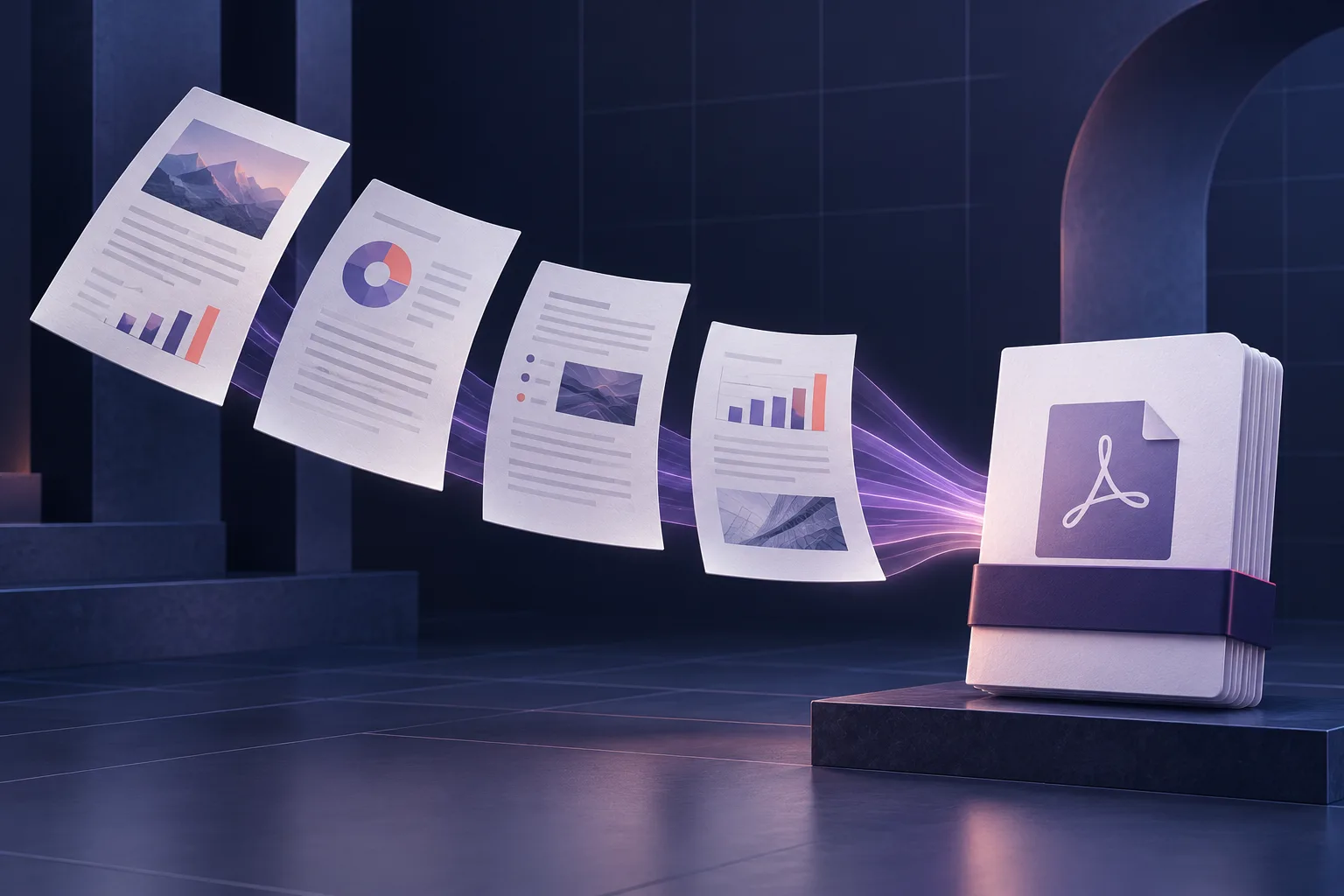
Merging PDFs creates a new document whose pages come from two or more source files. It is useful when a reader should receive one attachment instead of a collection of separate reports, scans, invoices, or supporting documents.
The source order matters. In a standard merge, all pages from the first document appear before all pages from the second. PDFStack also offers an interleave mode that alternates pages across files.
How to combine PDFs step by step
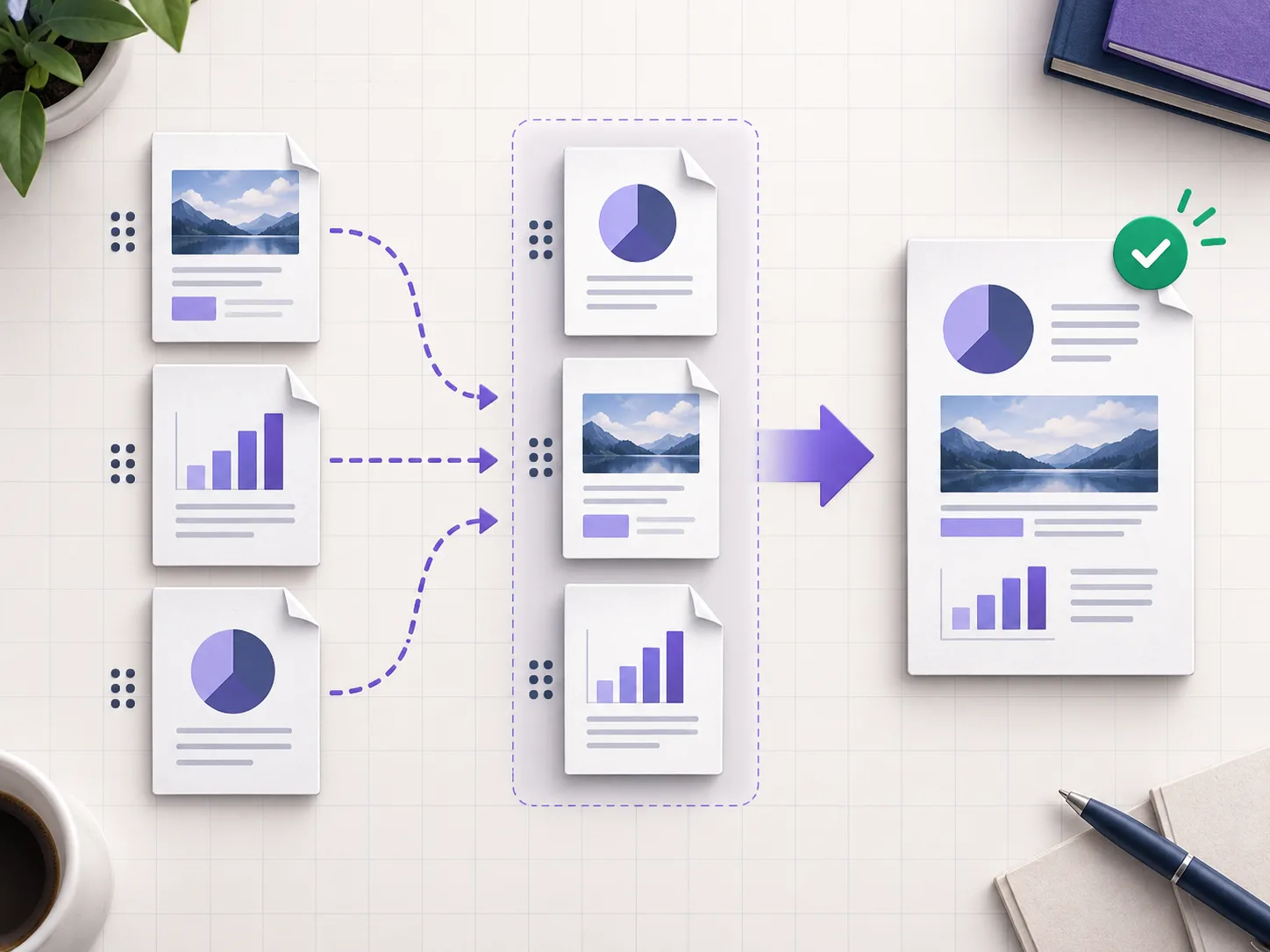
Open the Merge PDF tool and select at least two PDF files. Wait until each card reports that it is ready, then arrange the documents in the sequence you want. You can drag cards with a pointer or use the move controls with a keyboard or touch device.
Choose standard mode for a normal document packet. Choose interleave when separate scans contain alternating pages. Enter a useful output filename, select Merge PDFs, and wait for the real reading, merging, and preparation states to finish. Preview the result and download it.
- ✓Upload two or more PDFs.
- ✓Arrange files and choose a merge mode.
- ✓Check page counts and preview source files.
- ✓Merge, preview, and download the result.
How to merge PDFs on a phone
The same workflow works in a supported mobile browser. Use the move-up and move-down buttons when drag-and-drop is difficult on a small screen. Keep the tab open during processing, especially for long or image-heavy documents.
Browser memory determines the practical limit. If the page becomes slow, merge smaller groups first and then combine those results in a final pass.
Troubleshooting common merge problems
Password-protected or damaged PDFs may not open. Only unlock a document when you are authorized to do so. Very large scans can exhaust memory on older devices. Merging also does not make scanned text searchable; run OCR separately when search and copy-and-paste are required.
Always retain the source files. Open the downloaded PDF and inspect the first and last page of each source-document boundary before sending the packet.
Frequently asked questions
How many PDFs can I combine?
There is no claimed unlimited count. The practical limit depends on total pages, file complexity, browser memory, and the device.
Do I need an account?
No account is required to use PDFStack Merge PDF.