

Professional workflows · 8 min read
Advanced PDF Merging for Reports, Contracts and Invoices
Build reliable multi-document packets with naming, ordering, review, and verification practices.
Published and reviewed by the PDFStack Team · Updated October 14, 2026
Plan the packet before merging
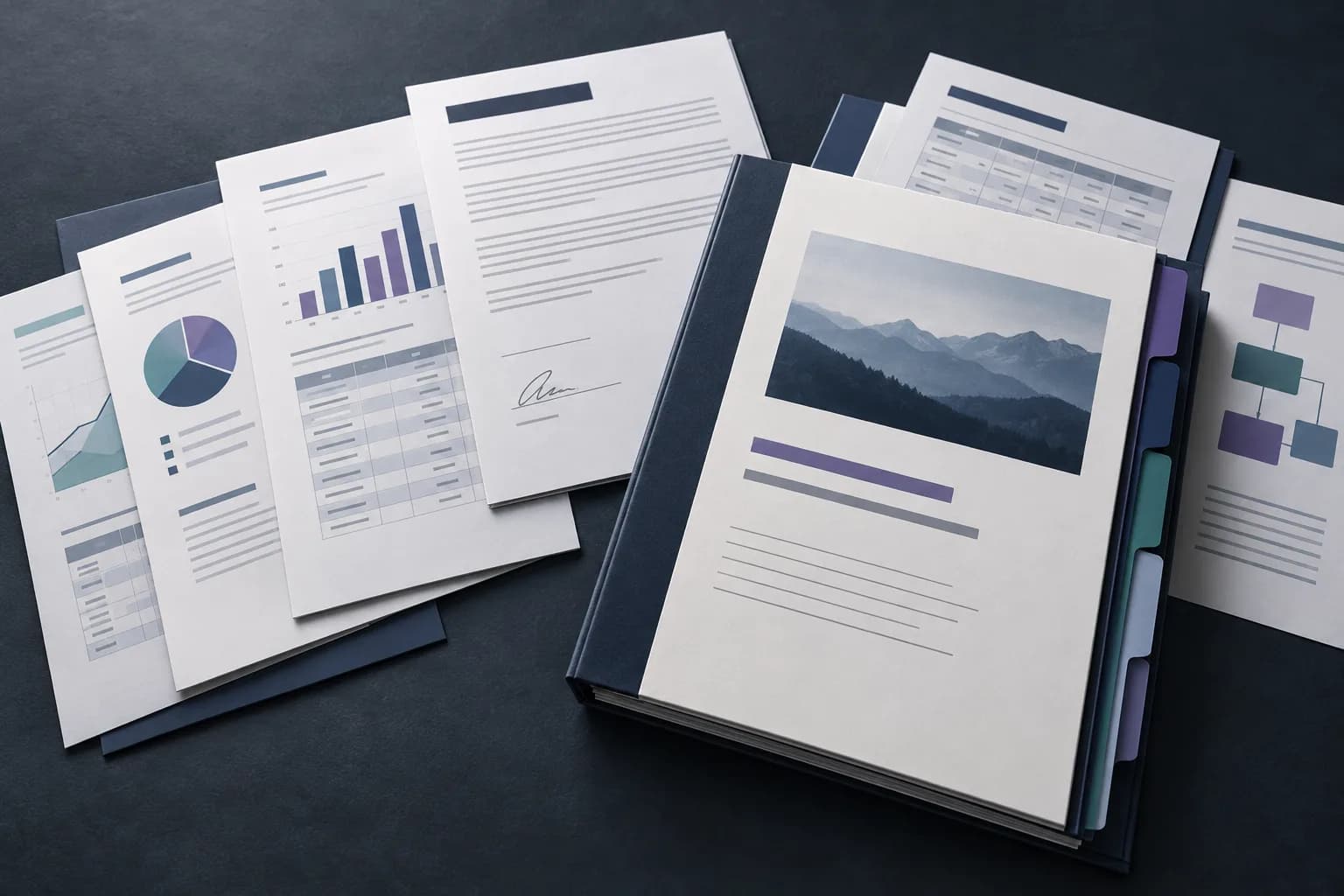
A professional PDF packet needs a deliberate structure. Start with the recipient and purpose, identify the authoritative version of every source document, and remove drafts or duplicates. Clear filenames make the staging process easier to review.
A common report sequence is cover, executive summary, main report, appendices, and evidence. A contract packet usually begins with the executed agreement and continues with schedules and exhibits in the order referenced by the agreement.
Reports and board packs
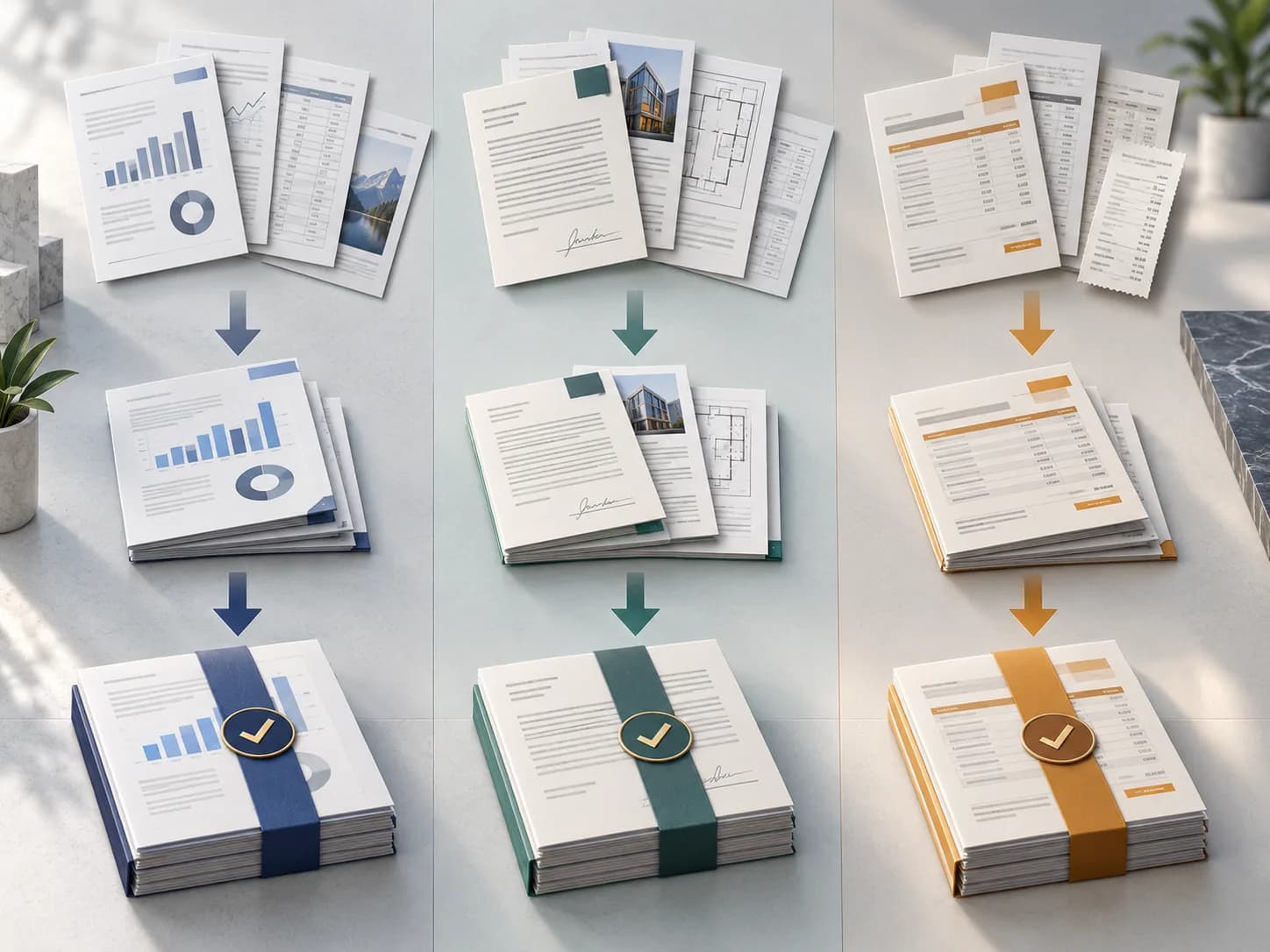
Reports often mix portrait narrative pages, landscape tables, and supporting charts. Merging can preserve those different page dimensions, but it does not normalize layout. Review orientation changes and confirm that section cover pages begin where expected.
Compare the output page count with the sum of the input page counts. Then inspect every transition between source documents. This catches missing files and reversed ordering more reliably than checking only the first page.
- ✓Use an approved source-document checklist.
- ✓Put the summary before detailed evidence.
- ✓Verify every document boundary.
- ✓Keep a dated copy of the final packet.
Contracts and signed documents
Creating a new PDF changes the document structure. Treat existing digital signatures as requiring validation or re-signing after a merge. Do not claim that a combined copy retains the legal effect of the original signature without review by the relevant legal or compliance owner.
Keep executed originals unchanged. If the combined file is a convenience copy, label it clearly and store the originals according to the organization’s retention policy.
Invoices and recurring bundles
Rename invoices with a consistent date, supplier, or invoice-number pattern before upload. Sort outside the tool if that process is part of your controlled workflow, then verify the custom order in the workspace.
For monthly bundles, document the expected number of invoices and total page count. A lightweight checklist prevents an apparently successful merge from hiding an omitted source file.
Frequently asked questions
Can mixed page sizes be merged?
Yes. Source page dimensions are copied, so the final PDF may contain a mix of portrait, landscape, and different paper sizes.
Will digital signatures remain valid?
Assume a newly merged document requires signature validation or re-signing because its document structure has changed.