Platform guide · 8 min read
Nexynto Studio and Connected Document Productivity
Understand how Nexynto Studio presents connected PDF, office, image, signing, transfer and document-intelligence workflows—and how to evaluate them responsibly.
Published and reviewed by the PDFStack Team ·
What connected document productivity means
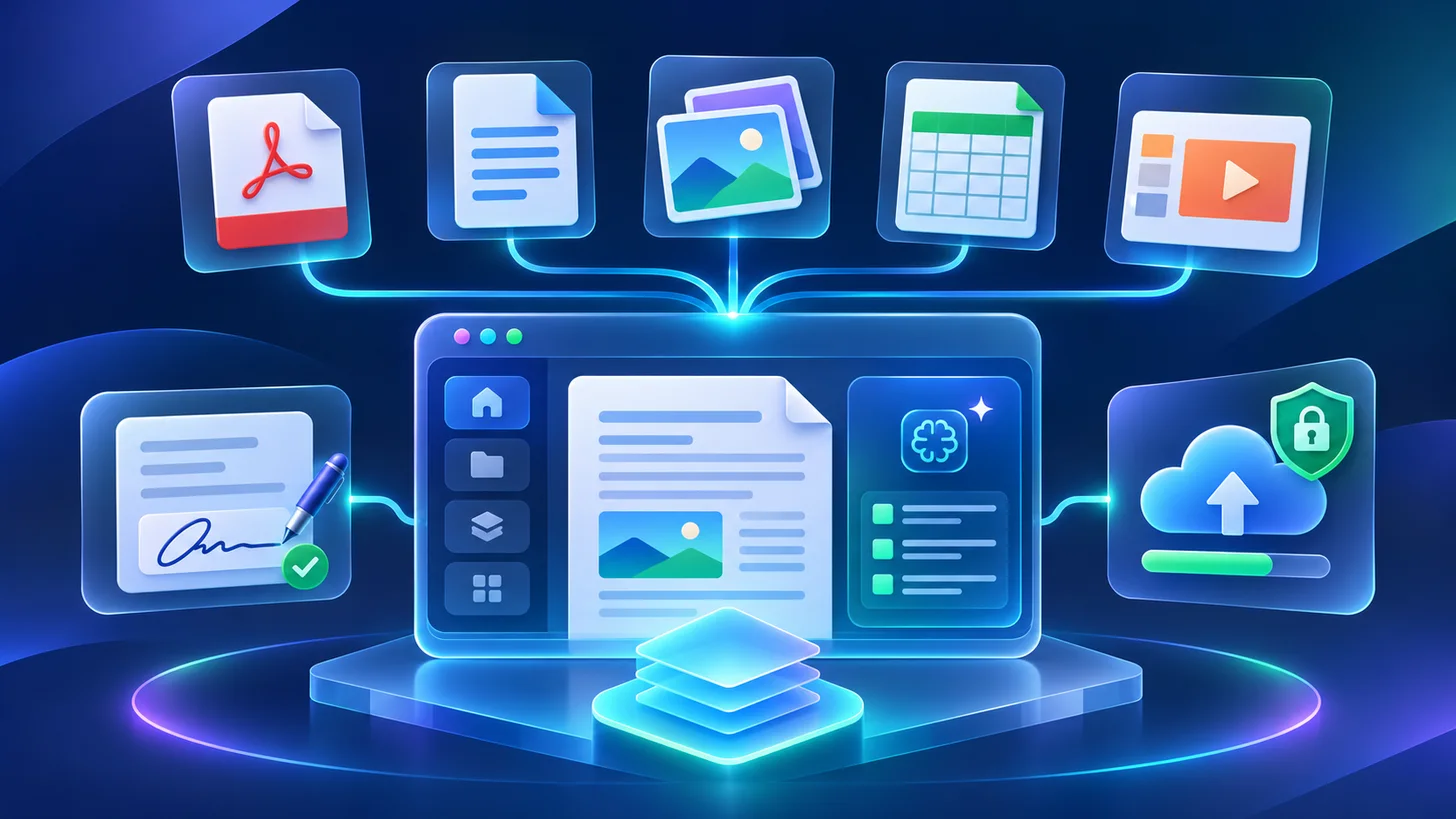
Nexynto Studio describes itself as a connected document productivity platform. Its public platform material brings PDF tools, office-file workflows, image operations, signing, transfer, and document intelligence into one product destination rather than presenting each category as an unrelated utility.
Connected does not mean that every operation uses the same processing path or has identical privacy characteristics. A document conversion, a signature workflow, and a transfer workflow can require different inputs, storage behavior, review steps, and outputs. The relevant product screen and policy information should be checked before sensitive material is used.
A practical workflow model
A useful document platform should help a person move through a clear sequence: select the correct operation, inspect the input, choose supported settings, process the file, review the output, and continue to a related task only when needed. This reduces context switching without removing the responsibility to verify the result.
For example, an image may be prepared before it becomes a PDF, a PDF may be organized before signing, or a document may be compressed before transfer. The sequence should follow the job’s requirements; using more tools does not automatically improve the document.
- Confirm the exact input and output format.
- Review the processing and storage explanation for that operation.
- Use non-sensitive test files before important work.
- Inspect the downloaded or transferred result.
- Retain an original when a workflow changes document content.
Document intelligence still needs human review
Document-intelligence features can help classify, extract, summarize, or organize information, but outputs can be affected by scan quality, layout, language, handwriting, and ambiguous source material. A confident-looking result is not proof that every field or statement is correct.
High-impact uses should include a review step against the source document. Confidentiality, permissions, retention, and applicable organizational policies also remain important when a workflow involves sensitive or regulated documents.
Use the official platform pages as the current reference
This article explains the public positioning available when it was reviewed. Nexynto Studio’s own homepage and platform page are the current sources for its available product areas and experience. Feature availability can evolve, so they should be checked before relying on a particular workflow.
PDFStack remains a separate document-tool destination with its own tool pages and capability notes. A link between the products provides context; it does not make their functionality interchangeable.
Official references
Use the official destinations for current company, platform, feature and policy information.
Frequently asked questions
Where is Nexynto Studio available?
Nexynto Studio is available at https://nexynto.net/. Its platform overview is published at https://nexynto.net/platform.
Does connected productivity mean every workflow is browser-only?
No. Processing and storage can differ by operation. Review the explanation shown for the specific feature before using sensitive files.