

Document workflow · 8 min read
How to Design a Clean Pre-Expiry PDF Policy
Preserve the original page appearance, schedule an unambiguous UTC boundary, and test the post-expiry behavior without premature markings.
Published and technically reviewed by the PDFStack Team · October 14, 2026
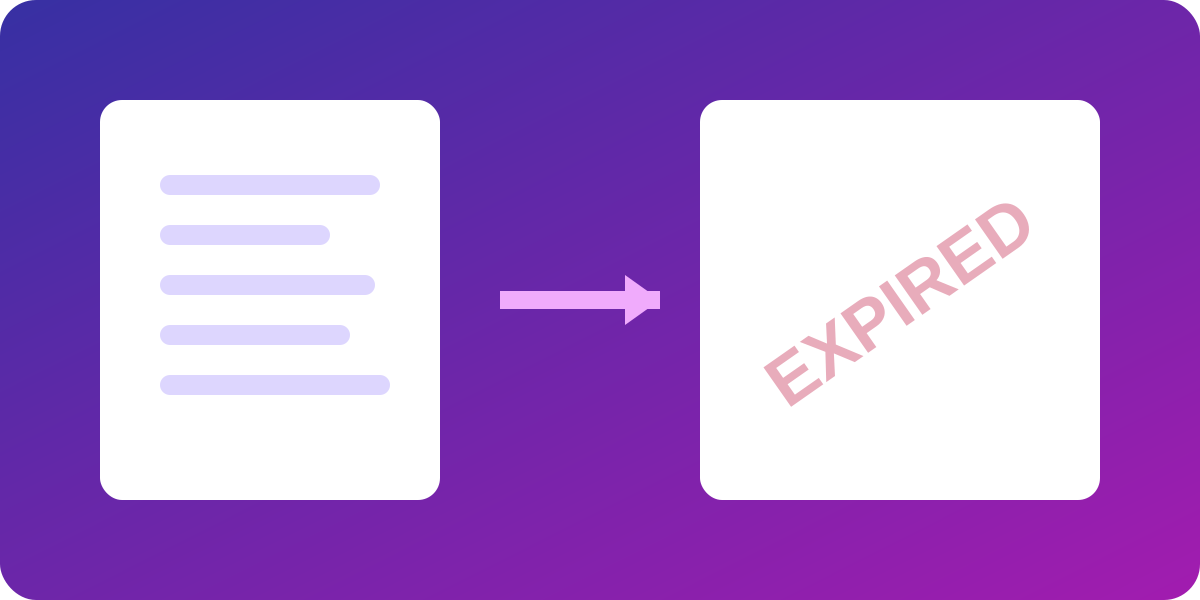
Keep pre-expiry pages visually unchanged
A normal document should remain normal before its deadline. Avoid permanent “expires” watermarks, countdowns, banners, corner labels, automatic footers, or any new content that overlaps the source. Page dimensions, rotation, margins, content placement, images, and page count should remain stable.
PDFStack embeds a document-level policy without drawing onto the pages. It also leaves the optional page time indicator off because the current engine cannot prove that footer space is genuinely unused.
Separate actual output from simulation
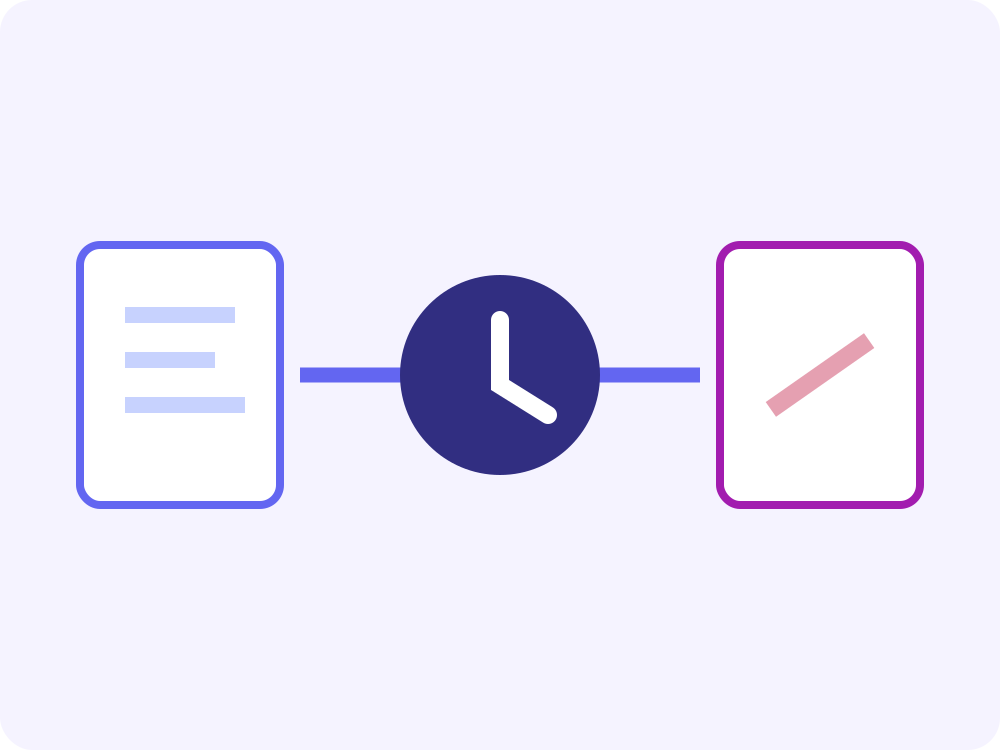
The Normal Document tab displays the selected source PDF. The Expiry Policy Preview is an interface simulation that explains the configured outcome. It is deliberately labeled as simulation because a web preview cannot prove that Adobe desktop software will execute a downloaded document’s JavaScript.
Verification requires downloading the output and opening it in the exact intended viewer. Browser display alone is insufficient for Acrobat-specific methods.
Use exact time and time-zone rules
A civil time such as 9:00 AM is ambiguous without a zone. Select an IANA time zone, convert that local date and time to UTC, and retain both values in the policy record. Reject invalid dates and daylight-saving gaps rather than guessing.
Use one boundary rule everywhere. PDFStack treats the policy as expired when the evaluated time is greater than or equal to the UTC expiry instant. A warning threshold is separate and defaults to no pre-expiry alert.
Verify integrity and compatibility
Compare page count, dimensions, rotations, extracted text, form fields, and visual renderings before and after policy embedding. Reject signed documents when a save would invalidate the signature, and require encrypted inputs to be unlocked before modification.
Document the viewer name, version, JavaScript setting, mode, expected action, observed action, and bypass limitations. A passed generation test proves file integrity, not universal enforcement.
Frequently asked questions
Why is the expiry footer unavailable?
The current engine cannot reliably detect unused footer space on every page, so it omits the footer rather than risk overlap.
Is the policy preview part of the PDF?
No. It is a clearly labeled interface simulation and does not change the downloaded page content.